The Mr Smooth Pro Console
The Professional Version of the Mr Smooth Console for Coaches and Enthusiasts
return to swim shop index
|
Pro Console: Enthusiasts Edition
buy now
|
|
Pro Console: Commercial Edition
buy now
|
The Pro Console
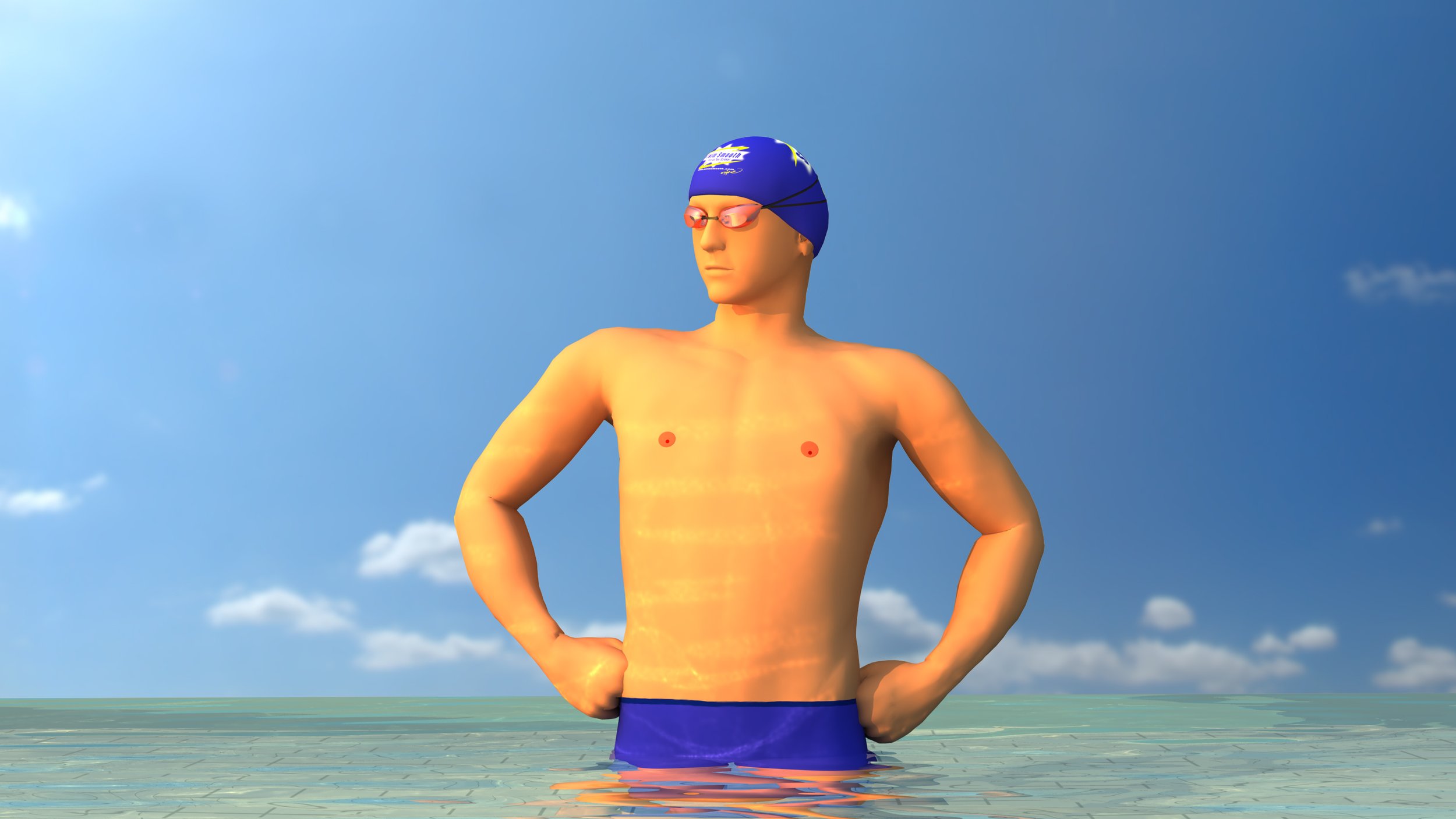
The Mr Smooth Pro Console is our flag-ship visualisation tool with many insightful and useful features over the free console. It's designed and licensed as the ultimate visualisation tool for coaches. For swimming enthusiasts we built a special version, removing the commercial license but keeping all the cool features.
Watch the Pro Console tour:
Warning: Contains Sound
Note: This is a low bit rate recording for the web. The Pro Console video is much smoother than shown.
Additional Features Of The Pro Console Over The Free Console

Available for both Macs and PCs. If you have one of each you can install The Pro Console on both.
- Special views targeting key areas of the freestyle stroke (see below). Click once and the view and speed auto-changes to the optimum setting, ideal for live coaching.
- Each of the angles in the special views is synchronised to understand things in 3 dimensions.
- Precise speed and position control with the Jog Wheel controller. Rewind through the footage as easily and smoothly as going forwards.
- Jump to a frame number using the frame entry box.
- Export snapshots of any of the views as still images (jpegs) to your computer. Perfect for emailing a picture of a key position to a swimmer, or uploading to web blogs and forums for discussion.
- A special panel of coaching links to key articles on our site. Tick the links relevant to your swimmer, hit the generate email button and the console automatically drafts you an email including all the links the articles. This feature requires you to have an email tool such as Outlook, Outlook Express, Windows Mail, Mozilla Firebird or Mac Mail.
- Full Screen View, fantastic for presentation situations (or impress your work colleagues by leaving it running while you're at lunch!).
- Re mastered standard views, larger in the frame and with ultra-high encoding quality.
- The Commercial Edition of the Pro Console is licensed for coaching use. All other versions are not - they may not be used for coaching.

Mr Smooth Consoles Comparison Table
For Enthusiasts and Coaches
The Pro Console comes in two editions, they are identical except for their licensing. The Enthusiasts Edition is licensed for use by private individuals looking to improve their own swimming. The Commercial Edition is licensed for use by professional or amateur coaches, clubs and societies.
Swim Smooth use the Commercial Edition every day with our own swimmers - it makes a huge difference to their understanding of the stroke. The range of angles, smooth slow motion and superb clarity help swimmers understand and visualise how they should be swimming. The addition of the Special Views allows our swimmers to fully understand their problem area.
Special Views
The Special Views are combinations of zoomed, highlighted and synchronised footage to show key aspects of the freestyle stroke in superb clarity.
1. Kick View
Show your swimmer perfect kicking technique with this compilation of zoomed footage from the rear, side and above. Show how Mr Smooth kicks from the hip with a relatively straight leg and has loose floppy ankles.

A still from the Breathing Special View (show here at 50% zoom). The perfect angles to show great breathing technique and how to use the bow wave.
2. Head Position and Breathing View
Front, underneath and side views demonstrate head position and breathing technique with great clarity. Clearly see the shape of the bow-wave and watch how Mr Smooth breathes perfectly into the trough.
3. Hand Entry View
Critical for avoiding shoulder injury and setting up for a good catch. Show a smooth finger-tip-first hand entry with synchronised classic front and perfect side views.
4. Body Roll View
Witness this critical aspect of the freestyle stroke. Mr Smooth's textbook body rotation is shown in great clarity from front, rear and underneath views. The timing and magnitude of the rotation is very clear to see.
5. Catch View
Technical Swimmer or Enthusiast?
You don't have to be a coach or club to purchase the Pro Console. The enhanced interface and Special Views are a fantastic teaching aid for individuals too.
It makes a great (and exclusive) addition to any swimmer's or triathlete's desktop. That's why we built the Enthusiasts Edition.
Give your swimmer a unique 3-dimensional understanding of this much misunderstood aspect of the freestyle stroke. Zoomed front, side and underneath views highlight the positions and timing of the catch and pull phases of the stroke. If your swimmer can reproduce these actions they'll drastically improve their feel for the water.
6. Kick Timing View
Some specially highlighted super-slow motion footage showing correct kick timing. This clearly demonstrates to the viewer a dominant kick down occurring on opposite hand entry. It's nearly impossible to demonstrate this in any other way!
7. Front Quadrant Timing View
Show your swimmer how the arms pass in front of the head with front quadrant stroke timing. Working on this will improve a swimmer's breathing, efficiency and feel for the water.
Synchronised
Not only do the Special Views show each aspect of an 'ideal' freestyle stroke in detail but each angle within each view is perfectly synchronised. So freeze the view in a position you want to highlight and get a full 3D appreciation of it.
Very Easy To Use
Each of the Special Views is selected by a single mouse click and immediately starts playing at the perfect preset speed for that view (normally slow motion). If it's appropriate for that view, we'll also automatically turn the water on. This one-click operation makes the Pro Console fantastically easy to use in a live coaching situation.
Of course, once the Special View is selected you can change the stroke rate and add / remove the water using the controls.

The jog wheel lets you rewind and forward-wind the animation with precise control.
Enhanced Controls
The Pro Console interface has been enhanced to give greater control of the animation than with the free console. A clever jog wheel has been added to allow you to rewind and forward-wind the footage in slow motion to reach the exact position you need. You can use the jog wheel to forward and reverse through a stroke action to show the action repeatedly.
Commercial Use
The Pro Console Commercial Edition is licensed for use by coaches (professional or amateur), clubs and societies. This is distinct from the Free Console and Enthusiasts Editions which are downloaded conditional to non-commercial use by private individuals only. You may not use the free console or enthusiasts console for coaching.
The license does not allow copying, broadcasting or transmission of the footage in any way - including on the internet. You may not claim to represent Swim Smooth when using it.
Download Size

Underneath - a fascinating view of the freestyle stroke.
The Pro Console is delivered as a digital download to your computer. After payment you will be sent a secure link to download the application and install it on your machine.
The download size is 107MB which will take about 15 minutes to download with a standard broadband connection.
System Requirements
The Pro Console is available in versions for PCs and Macs. It has low system requirements and will play smoothly on nearly any computer 3 to 4 years old or less. If you are concerned about this, test your machine with the Free Console, if it plays smoothly then so will the Pro Console.
On older computers the animation will still play correctly but may become less smooth and may not achieve stroke rates over 60 Strokes Per Minute.
Whatever happens you're covered by our money back guarantee, so if it doesn't play on your computer it's not a problem, we'll refund you.
Mr Smooth Advantages
Studying Mr Smooth using the console has many advantages over watching video footage of a great swimmer:
- The animation has amazing clarity.
- You can view him from angles you cannot normally film a swimmer, e.g. underneath and surface level shots.
- We've included super-smooth slow motion to appreciate his every movement.
- No idiosyncrasies (even great swimmers have these and they're distracting and confusing to the non-expert viewer).
- A normal body type which swimmers can relate to (many elite swimmers are very tall and broad).
- Accurate control of stroke rate, so you can dial in Michael Phelp's stroke rate, or Rebecca Adlington's or Emma Snowsill's.
- Ability to remove the water for greater clarity, especially useful for understanding the catch phase of the stroke.

Take Mr Smooth poolside on your laptop.
About Mr Smooth's Development
As we talk about here, the Mr Smooth animation has been carefully developed by freestyle experts Swim Smooth to show an 'ideal' freestyle stroke. Working closely with the animators over 6 months we included the latest specialist knowledge from the elite swimming world. The result is an amazingly clear visualisation of a bang up to date ideal freestyle stroke.
Some features of Mr Smooth's freestyle swimming technique:
- Constant smooth exhalation into the water
- Bilateral breathing

We're so confident you'll love using the Pro Console that we guarantee your complete satisfaction. If you are dissatisfied with the Pro Console in any way we'll give you a full no-quibble refund. Simple as that.
(Details in our T+Cs)
- Correct breathing timing and technique
- Good body position
- Mid range head position
- Clear bow wave to show trough breathing
- Direct catch and pull without S shape
- Correct elbow bend in catch and pull phase
- Elbow led relaxed arm recovery
- Vertical flat hand catch
- Correct body roll from the shoulders and hips
- Correct stroke timing without over-gliding, dead spots or pauses
- Good kicking technique from the hip
- Correct kick timing
Two Installations With Each License
Your Pro Console License allows you to install the application on two machines, either two PCs or two Macs or one of each.
Buy Now
The Mr Smooth Pro Console, Enthusiasts Edition
Not for any amateur or professional coaching, or any other commercial use. Note the Enthusiasts Edition carries a subtle "Not licensed for any coaching" legend.
GBP £20 / US $35 / AUS $50 / Euro €30 / Yen ¥4000
The Pro Console is delivered as a digital download straight to your computer. The download is 107MB, which will take about 15 minutes with a standard broadband connection. Both PC (Windows) and Mac versions are available to download after purchase.
The Mr Smooth Pro Console, Commercial Edition
Licensed for commercial use including coaching.
GBP £100 / US $175 / AUS $240 / Euro €140 / Yen ¥20000
The Pro Console is delivered as a digital download straight to your computer. The download is 107MB, which will take about 15 minutes with a standard broadband connection. Both PC (Windows) and Mac versions are available to download after purchase.
Please be aware you will be required to agree to the Mr Smooth Pro Console License Agreement on installation of the software.